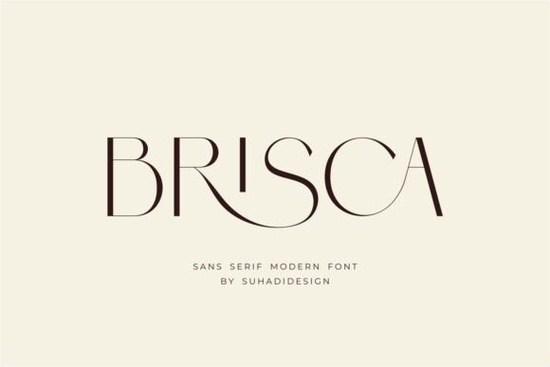
If you’re searching for a clean, modern typeface that still feels refined, the Brisca Font is worth a close look. This sans serif font combines a contemporary silhouette with built‑in ligatures, giving your text a polished, almost handcrafted flow. It’s designed to work across a wide range of projects – from cosmetic branding to magazine layouts – without looking stiff or generic.
What makes Brisca Font stand out?
The most noticeable feature is the ligature set. Instead of manually adjusting letter spacing or kerning pairs, Brisca automatically replaces certain letter combinations with more graceful, connected forms. This saves time and gives headlines a more cohesive, upscale feel. The font family includes multiple weights, so you can use a lighter version for body text and a bolder one for titles without switching typefaces. It’s also fully Unicode‑compliant, meaning it supports accented characters common in European languages.
What kind of projects work best with Brisca Font?
Cosmetics and beauty packaging benefit from Brisca’s clean, elegant letterforms. The ligatures add a subtle sense of luxury without overpowering the product name. For logos and wordmarks, the font’s balanced proportions scale well – it looks just as good on a business card as it does on a billboard. Magazines and editorial designs can use Brisca for both pull quotes and body text, keeping the visual identity consistent. It’s also a solid choice for social media graphics where readability on small screens matters.
- Branding – business cards, letterheads, brand guides
- Publishing – book covers, newspaper headings, brochures
- Print‑on‑demand – T‑shirts, mugs, tote bags
- Beauty & wellness – product labels, ingredient lists
Does Brisca Font include ligatures?
Yes, that’s one of its main selling points. The ligature feature is enabled by default in most design software (Adobe Illustrator, Photoshop, Affinity Designer, Canva). Simply type the letter pairs that are included (like “fi”, “fl”, “ff”, “ft”) and they’ll automatically join into a single, more artistic glyph. This works especially well for logotypes and headline text where you want each word to feel like a crafted mark.
Are there similar sans serif fonts you might like?
If Brisca’s modern vibe appeals to you, consider adding these alternates to your font library:
- Cultivo – a slightly geometric sans with a friendly personality, good for organic or lifestyle brands.
- Perfect Lemonade – a lighter, more playful take on modern sans serifs, ideal for summer collections or children’s products.
- Edition – a versatile workhorse with classic proportions, suitable for long‑form reading.
- Kohilo – combines rounded edges with sharp angles for a contemporary feel, good for tech and fashion.
You can preview each one directly on the Perfect Lemonade Font, Cultivo Font, Edition Font, and Kohilo Font pages to see how they compare alongside Brisca.
How do I use Brisca Font in my own projects?
Download the font files (OTF or TTF) from Creative Fabrica, then install them on your computer. In your design app, open the character panel and turn on “Ligatures” (usually under the OpenType menu). For best results, stick to point sizes above 14 pt for headlines so the ligatures are clearly visible. For body copy, use the regular weight without ligatures to keep readability high.
Here’s a quick checklist before you start:
- ☐ Check the license – Brisca is royalty‑free for commercial use.
- ☐ Test it with your brand colors – the clean lines work well with both bold and pastel palettes.
- ☐ Pair it with a serif – try Brisca for headers and a classic serif like Garamond for paragraphs.
- ☐ Use the built‑in ligatures sparingly – sometimes less is more for long words.
If you need more details about the full character set or want to see sample images, you can always visit the Brisca Font product page. It includes a live preview tool where you can type your own brand name and see how the ligatures look in real time.
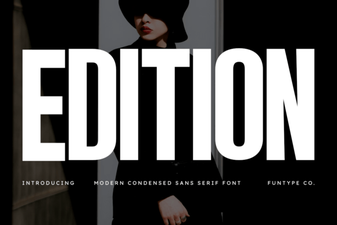 Edition Fonts: Design & Typography Projects
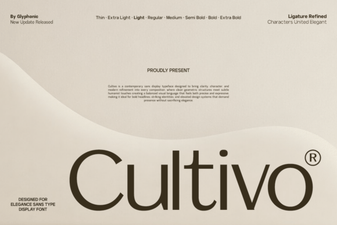 Cultivo Font: Creative Typography for Modern Design
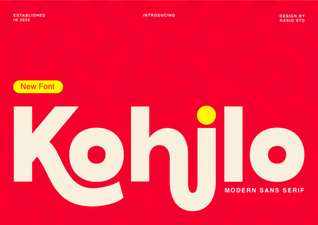 Kohilo Font: Perfect for Creative Projects
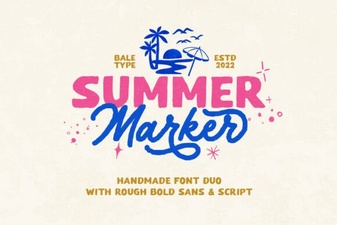 Best Summer Marker Fonts for Creative Projects
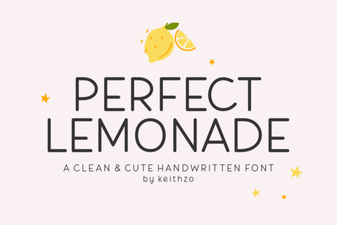 Fresh Font Designs Inspired by Perfect Lemonade Recipes
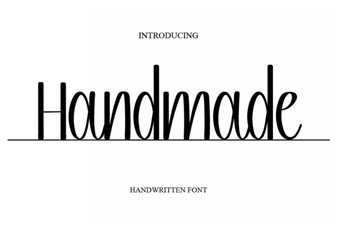 Crafting Creativity with Unique Handmade Fonts